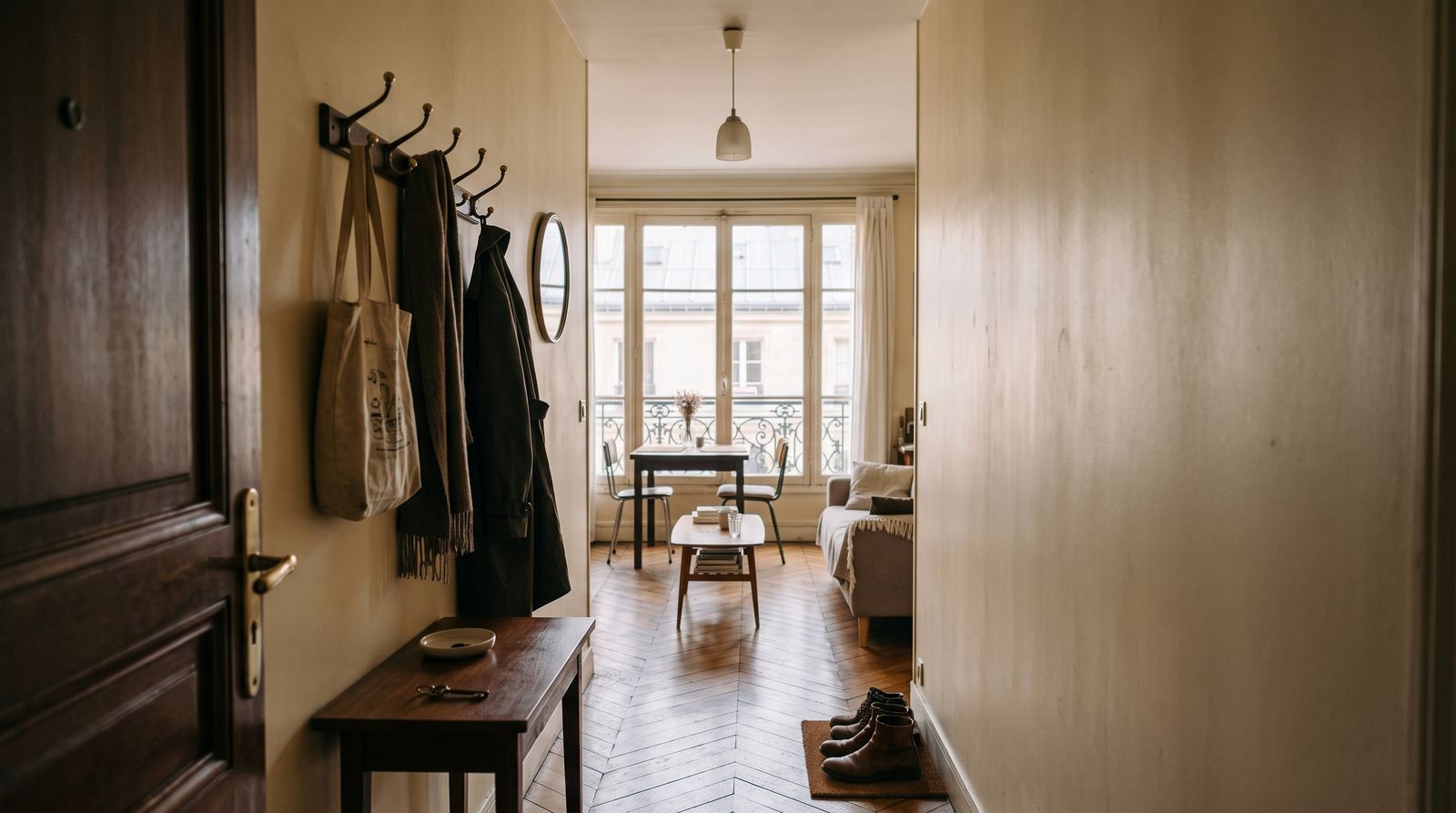
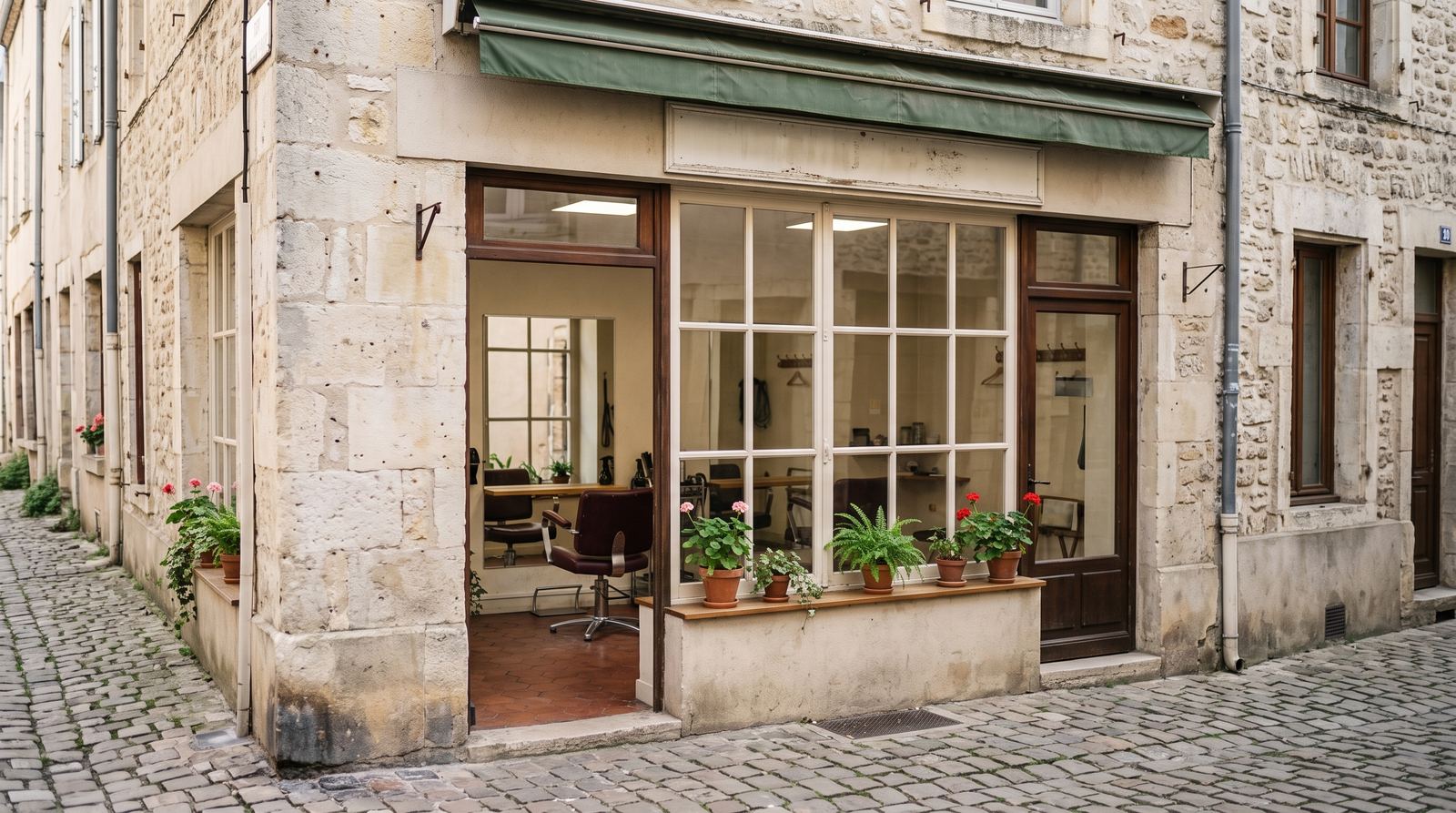
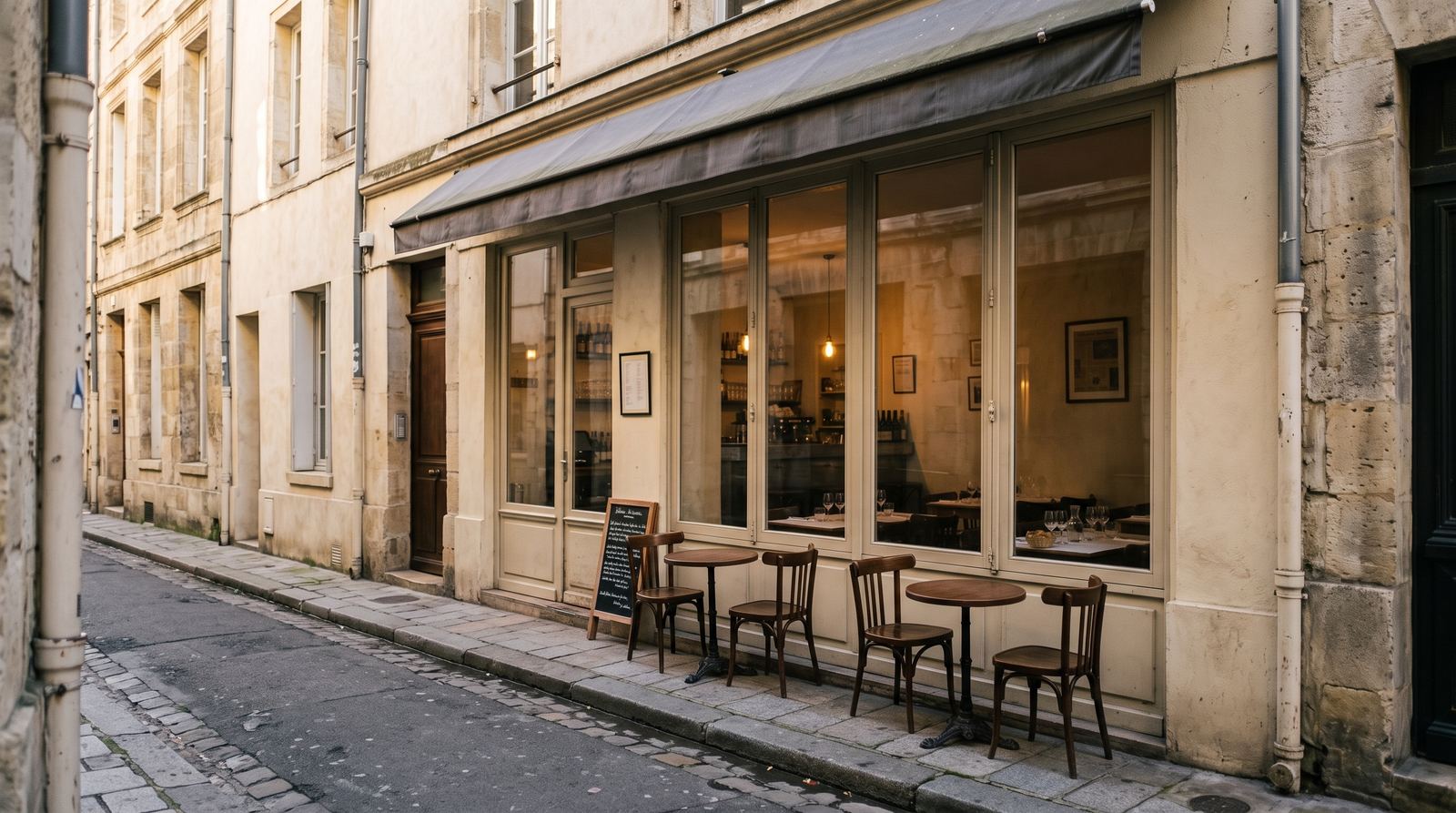

MOTIONEST example · your photos replace these images.
The short answer
The most reliable method starts with one clear commercial goal, coherent references and approval before animation. Platform, length and motion come next.
Being able to download a file does not always mean it may be used in advertising. Before generation, identify the author, visible people, brands, documents and location involved.
Turn the advice into a creation brief
Apply this guide to one concrete campaign rather than your entire communication plan. Write down the intended audience, desired action, publishing platform and the detail that must remain perfectly accurate. Then prepare four or five coherent references from the same place or product. Your first check is: choose one desired action. Compare output with the source files, verify commercial information separately and keep one clean version without text. That master can be adapted for several platforms without rebuilding the visual work, while each caption, price, date and booking link remains easy to update.
Check the source of every file
Keep proof of purchase, the photographer’s agreement or internal authorisation. Images from a platform or former provider may carry limited rights.
Protect people and personal data
Obtain suitable permission for every recognisable person. Remove plates, private addresses, files, screens, prescriptions and customer information before upload.
Separate creation from exact assets
Logos, prices, dates and mandatory notices should not be redrawn by a generative model. Keep original assets and verify every element before publishing.
Write a brief that actually helps
Describe the business, audience, desired action and details that must not change. Avoid an overlong camera script: a clear direction gives the model creative room while protecting the reality of the project.
Build the sequence before generation
Order references from context to detail. A 15-second video usually works with four or five images; 30 seconds benefits from six to eight genuinely different views. Remove duplicates and any photo from another place, product or period.
Publish with verifiable proof
Review the output, visible characteristics, rights and final copy. A demo shows a possibility, never an identical guarantee. Keep the master and adapt format, branding or call to action for each platform.
Checklist before you start
- Choose one desired action
- Use 4–5 coherent photos for 15 seconds
- Check rights, people and visible data
- Approve enhanced images before video
- Overlay exact logo and text
- Review factual accuracy before publishing
Practical reference
| Step | Decision | Check |
|---|---|---|
| Goal | Discover, book or buy | One action |
| References | 4–5 views for 15s | Same project |
| Format | Target platform | Safe areas |
| Approval | Images then video | Real-world accuracy |
Frequently asked questions
Can the same photos be reused?
Yes, for another length or format, provided they still describe the offer accurately.
Will the output match a demo exactly?
No. Results depend on references and settings; you review enhanced images before video generation.
Where should logo and text go?
Inside platform safe areas, composited after generation so typography remains exact.