

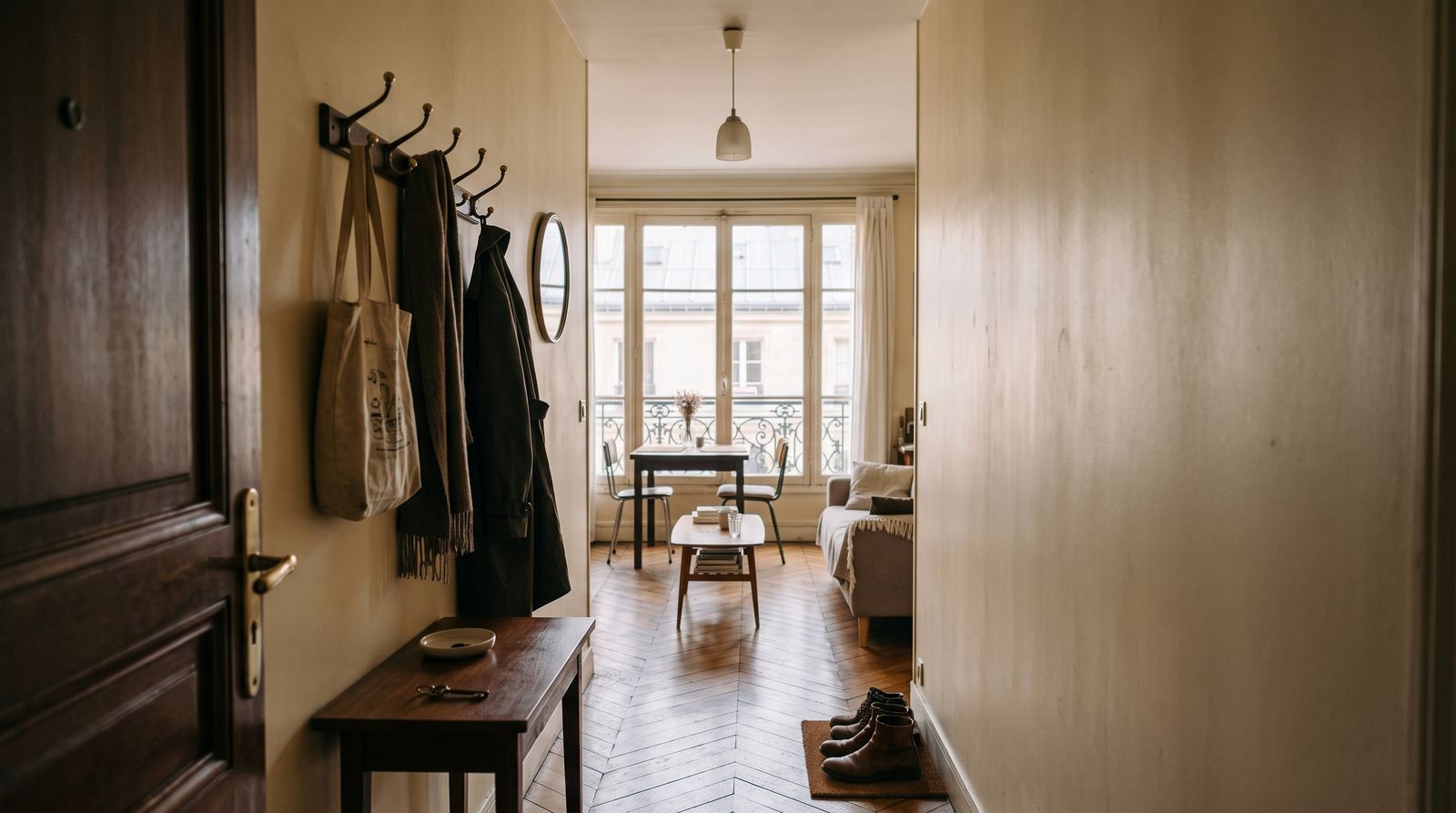





MOTIONEST example · your photos replace these images.
The essentials, plainly
How much does a MOTIONEST Reel cost?
A 15-second vertical Reel costs €24.90 (about $29), paid once. That price covers enhancing the photos you upload, generating the film in 9:16 format and downloading the MP4 in 1080 × 1920 with audio. There is no subscription, no setup fee and no quote to request.
What is MOTIONEST exactly?
MOTIONEST is an independent French online video studio. You upload four photos taken with your phone and you get back a 15-second vertical film, ready to post on Instagram or TikTok. There is no shoot, no travel, no appointment and no subscription.
What do you receive at the end?
You receive a vertical MP4 file of 1080 × 1920 pixels, 15 seconds long, with a soundtrack. The 9:16 format fits Instagram Reels, TikTok, YouTube Shorts and Facebook Stories directly. You download the file and publish it yourself.
What does MOTIONEST not do?
MOTIONEST does not film, does not travel and sends nobody on site. The service does not post to your accounts, does not buy advertising and does not manage your profiles. The engine invents no set: it will not turn a neighbourhood bistro into a starred restaurant, and it never mixes two places in one film.
Who is the service for?
The service is built for independent shops and very small businesses: restaurants, bakeries, florists, hair salons, tattoo studios, garages, car and motorcycle dealers, clothing boutiques, gyms, hotels, holiday rentals, craft workshops, photographers and estate agents.
01 Are phone photos good enough?
Yes, when they are sharp, show several angles of the same project and are not excessively dark. The studio guides you through useful views.
02 What happens after payment?
Photo enhancement and video creation run automatically. A progress bar remains visible until the download is ready.
03 How many photos should I upload?
Four coherent views are often enough for 15 seconds. Six to eight references add more variety for 30 seconds.
04 Which formats are available?
Choose TikTok, Instagram Reels, YouTube, Facebook or a photo output. The studio applies the appropriate framing.
05 Is sound included?
Video creations use the model’s native audio. Always review the output and the platform rules before publishing.
06 Can I add my logo and social handle?
The studio currently previews their placement. Deterministic compositing into the exported file is still in development; add them separately to keep branding and typography exact.
07 Will the place or product stay accurate?
The direction aims for realistic enhancement. Results depend on references and should be checked before publishing, especially for listings and products.
08 How long does it take?
An estimate is shown according to duration and quality. Most creations arrive within minutes, but processing time may vary.
09 Is membership required?
No. Pay-as-you-go always remains available. Optional monthly memberships add a balance that works with the same lengths and quality settings.
10 Why should I sign in?
Sign-in secures the assistant, applies a welcome discount when eligible and keeps projects in your library across devices.
11 What happens if generation fails?
The status remains in your project. Commercial handling of a failed generation follows the terms shown at checkout.
12 Can I request a video series or custom project?
Yes. The custom project form lets you describe volume, multiple formats, a deadline and specific branding needs.
13 Who owns the rights to photos and faces?
You must hold the rights to photos, logos and music, and permission for recognisable people. MOTIONEST does not check those rights for you. Keep evidence.
14 What if I don’t like the result?
AI output varies: a demo is not an identical guarantee. A confirmed technical failure can be rerun; if a rerun is impossible, a proportionate credit or refund may apply. Taste is not an automatic refund ground.
15 Can I run the video as a paid ad?
Yes if you hold the necessary rights. Then check the ad platform’s rules (Meta, Google, TikTok). MOTIONEST does not guarantee that an ad will be accepted.
16 How do I cancel a membership?
From the account, using the clearly labelled control. Cancellation takes effect at the end of the period already paid. No further monthly charge after that date.
17 Should I label the video as AI-generated?
Yes when the law or the platform requires it. Mention it in the caption if needed. MOTIONEST does not yet add an automatic watermark to the file.
18 Where can I see if the service is up?
The status page at /status lists generation, retouch, payment and sign-in. For an incident: contact@motionest-video.com.