What you get for €24.90
- One vertical 9:16 MP4 file, ready for Reels, TikTok and Shorts.
- 15 seconds by default; 5, 10 or 30 s available in the studio.
- Your photos automatically improved (light, sharpness) before any motion is added.
- Generated audio included on compatible renders.
- Your choice of camera motion, or the “improve my photos only” mode.
- One-off payment, no subscription. VAT not applicable, art. 293 B French tax code.
Charged once in euros (€24.90, about $29). VAT not applicable, art. 293 B French tax code.
SELF-SERVICE · €24.90
You drop your photos. The engine does the rest.
Left: a phone photo, like yours. Right: what the MOTIONEST engine does to that photo. It then uses those enhanced stills to generate the 15-second Reel. There is no second step for you: you upload, we enhance, we make the film. €24.90, paid once, self-service. Both stills below are an example of the same place.
- 01 You upload Four phone shots, of the same place.
- 02 We enhance Light and sharpness, without inventing standing. Automatic.
- 03 We generate the Reel 15s, 9:16, from the already enhanced photos. €24.90.
Left = phone photo (before). Right = what the engine does (after).
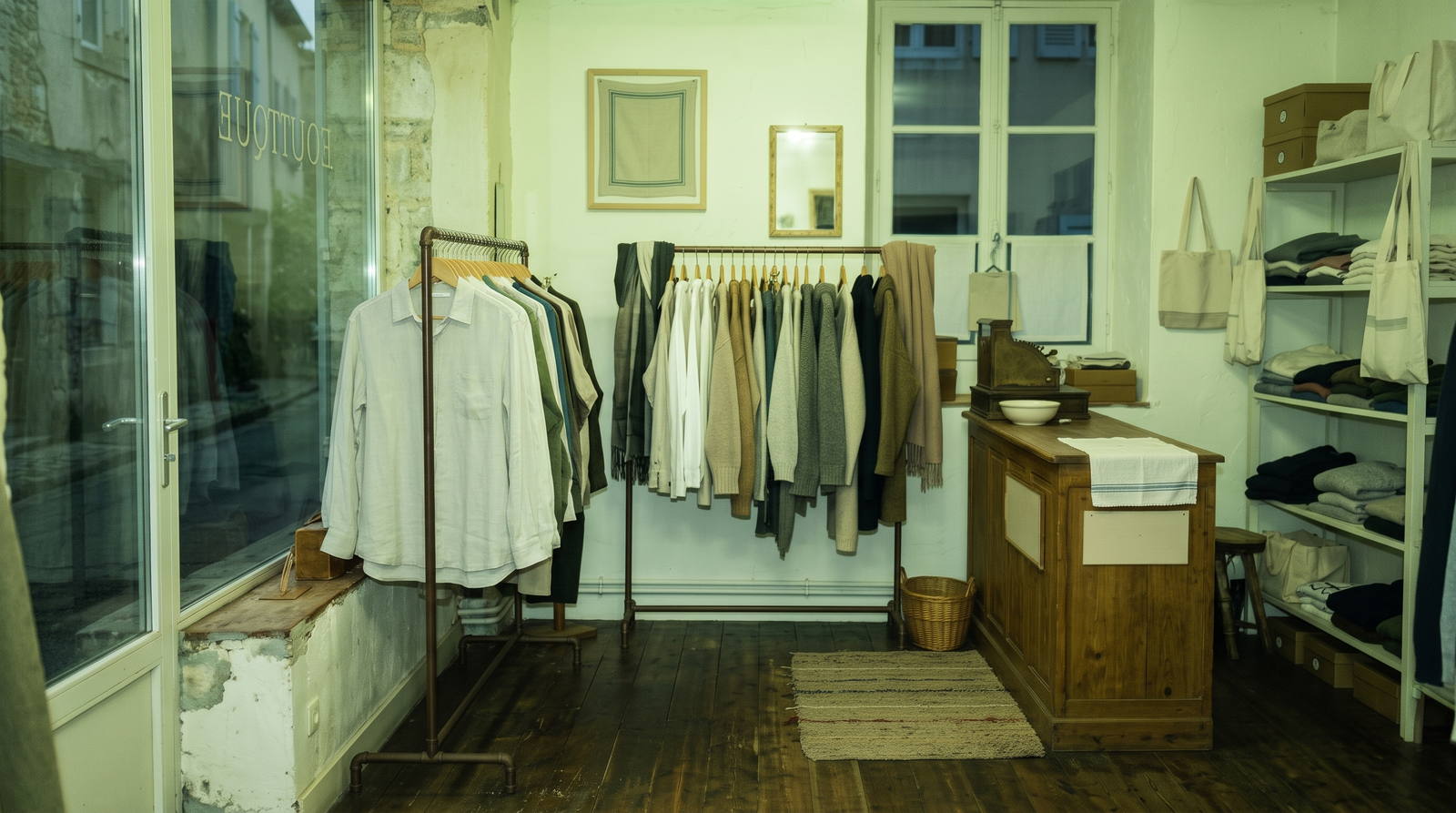
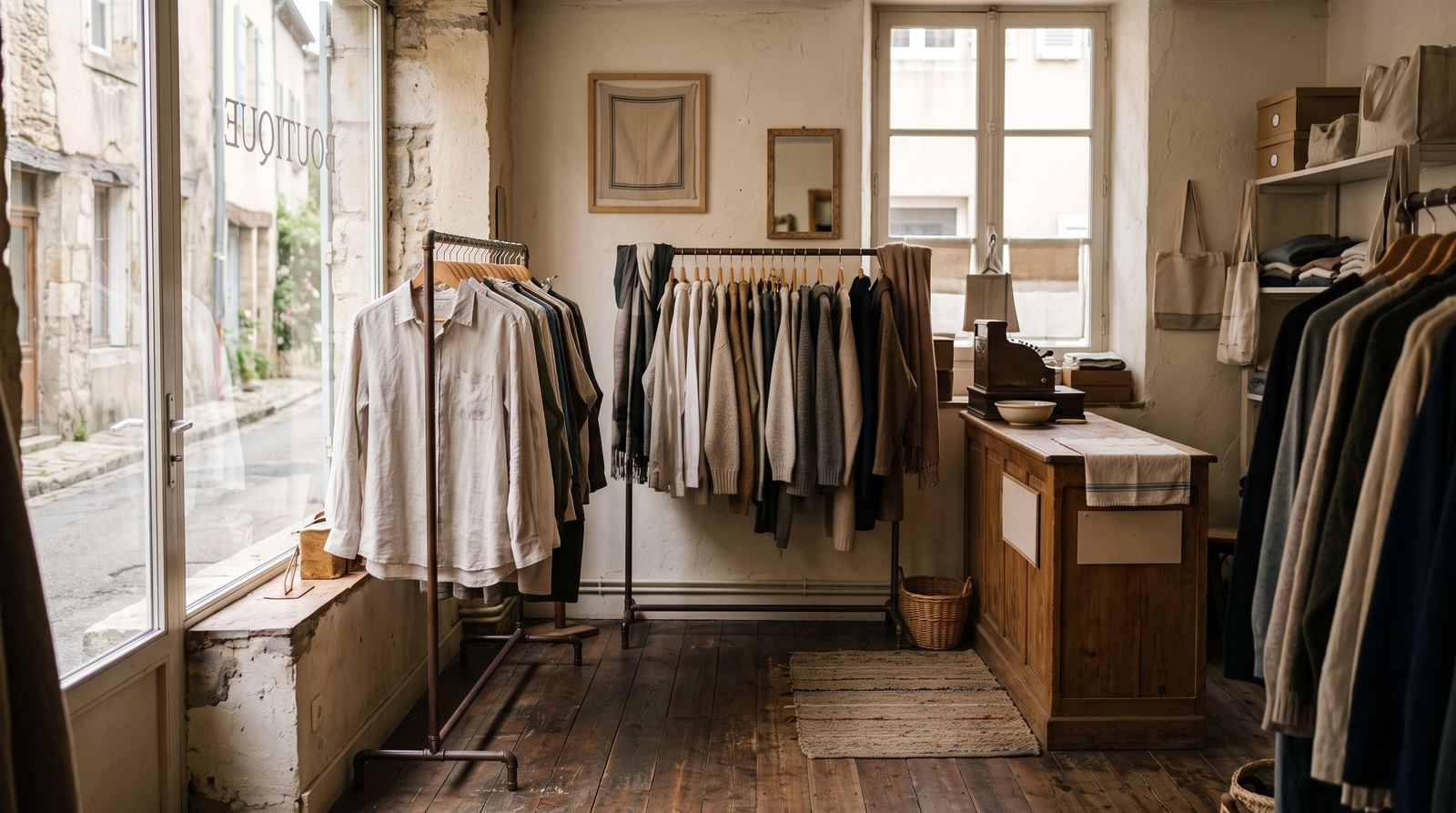
You do not do this step yourself. After upload, the engine enhances your photos then generates the 15s Reel from those enhanced stills.
There is no second step for you: you upload, we enhance, we make the film.
The photos to take with your phone
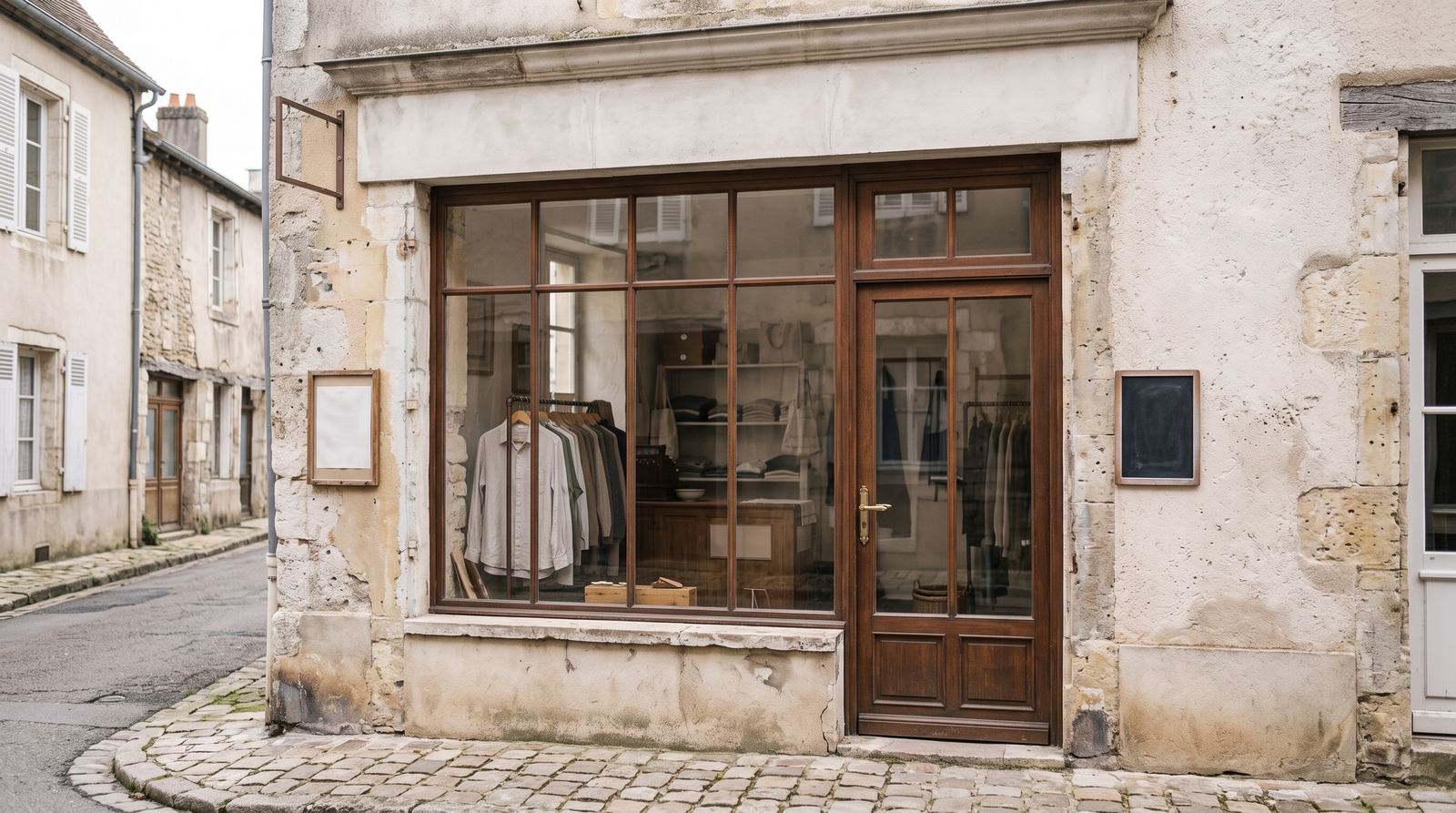
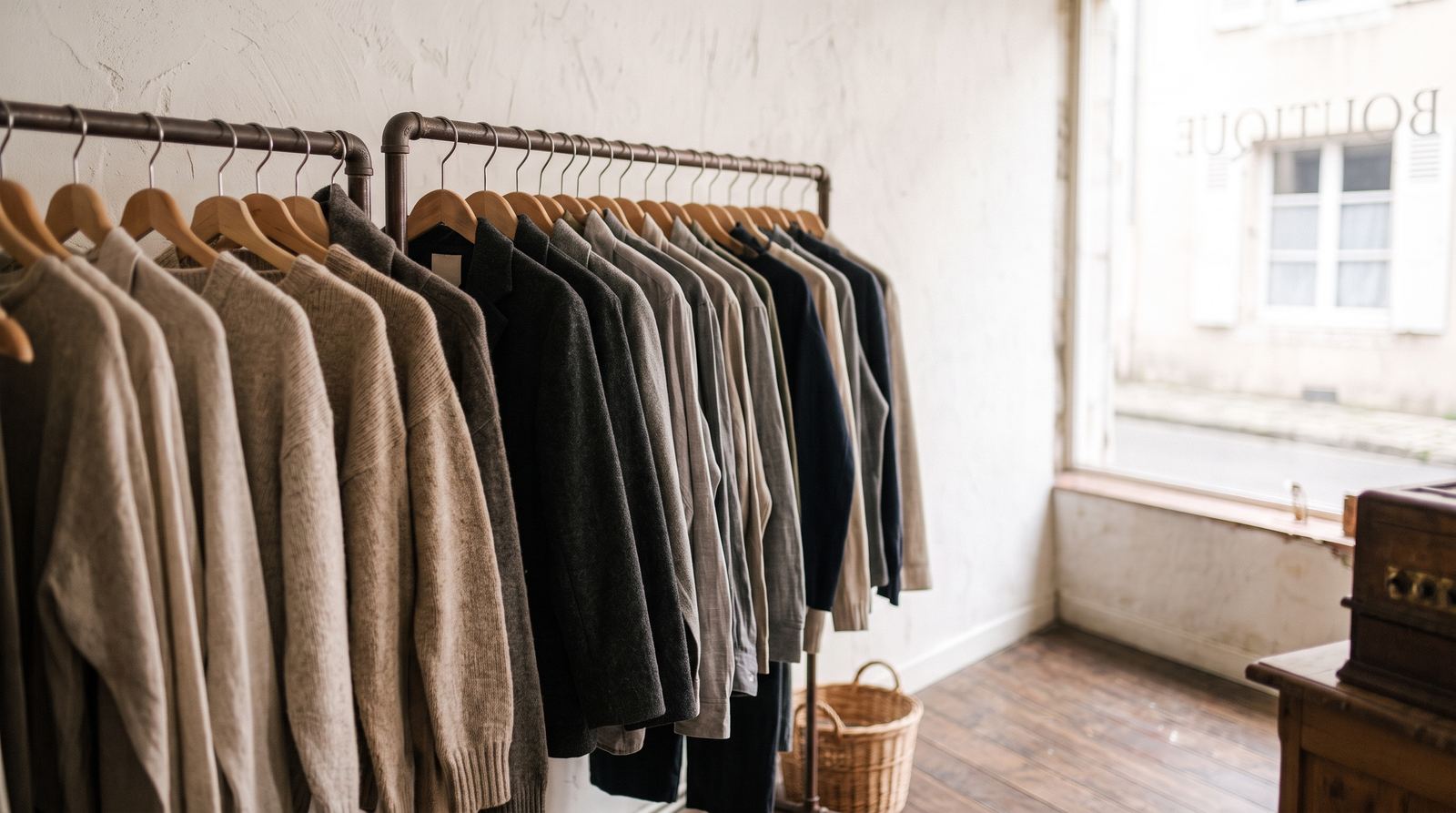
Three to five sharp photos of the same place, shot on a phone, at eye height. No stock. Four coherent views are enough for 15 seconds; use six to eight only if you move to 30 seconds.
-
 01
Storefront
01
Storefront
-
02
Shop overview
-
 03
Rail
03
Rail
-
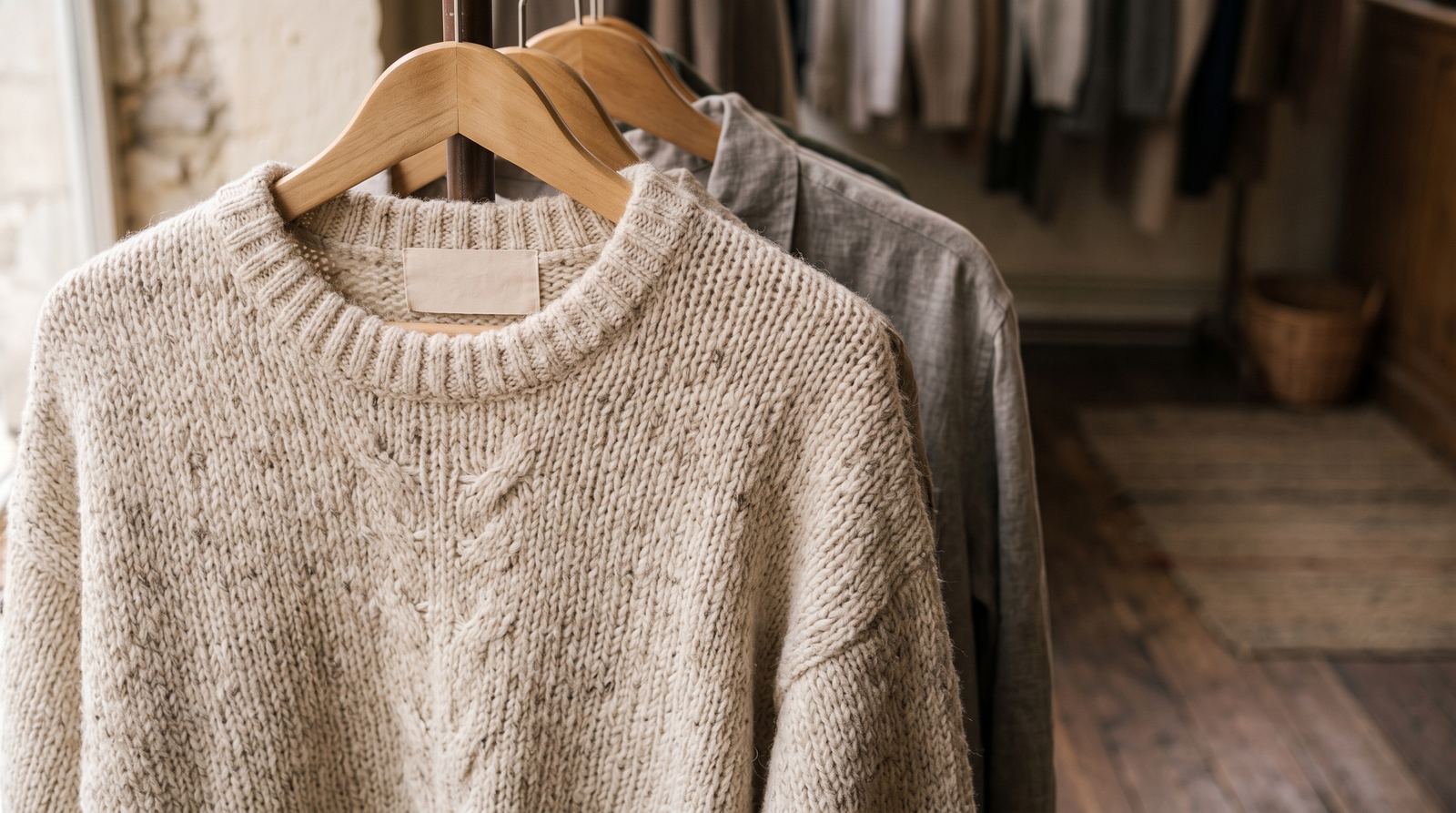 04
Fabric detail
04
Fabric detail
-
05
Storefront
Examples of the framing to aim for. Your own photos give your own film.
Who this page is for
Independent shops, concept stores and careful vintage rooms. One collection per Reel. Prices and sizes go in Instagram, not in generated type.
For Fashion shop, a useful campaign must make the real offer easy to understand before adding visual impact. Show the place, product, equipment or result with coherent references, preserve factual details, and use the final overlay for exact text rather than asking generative video to redraw it. This retail workflow is designed for phone photos and a small-business budget.
- New collection
- Storefront and merchandising
- Local campaign
Which one looks most like your shop?
The engine does not ask for a beautiful venue, it asks for your photos. Here are three very different fashion shops run through the same studio: framing, light and pacing follow the room, never the other way around.
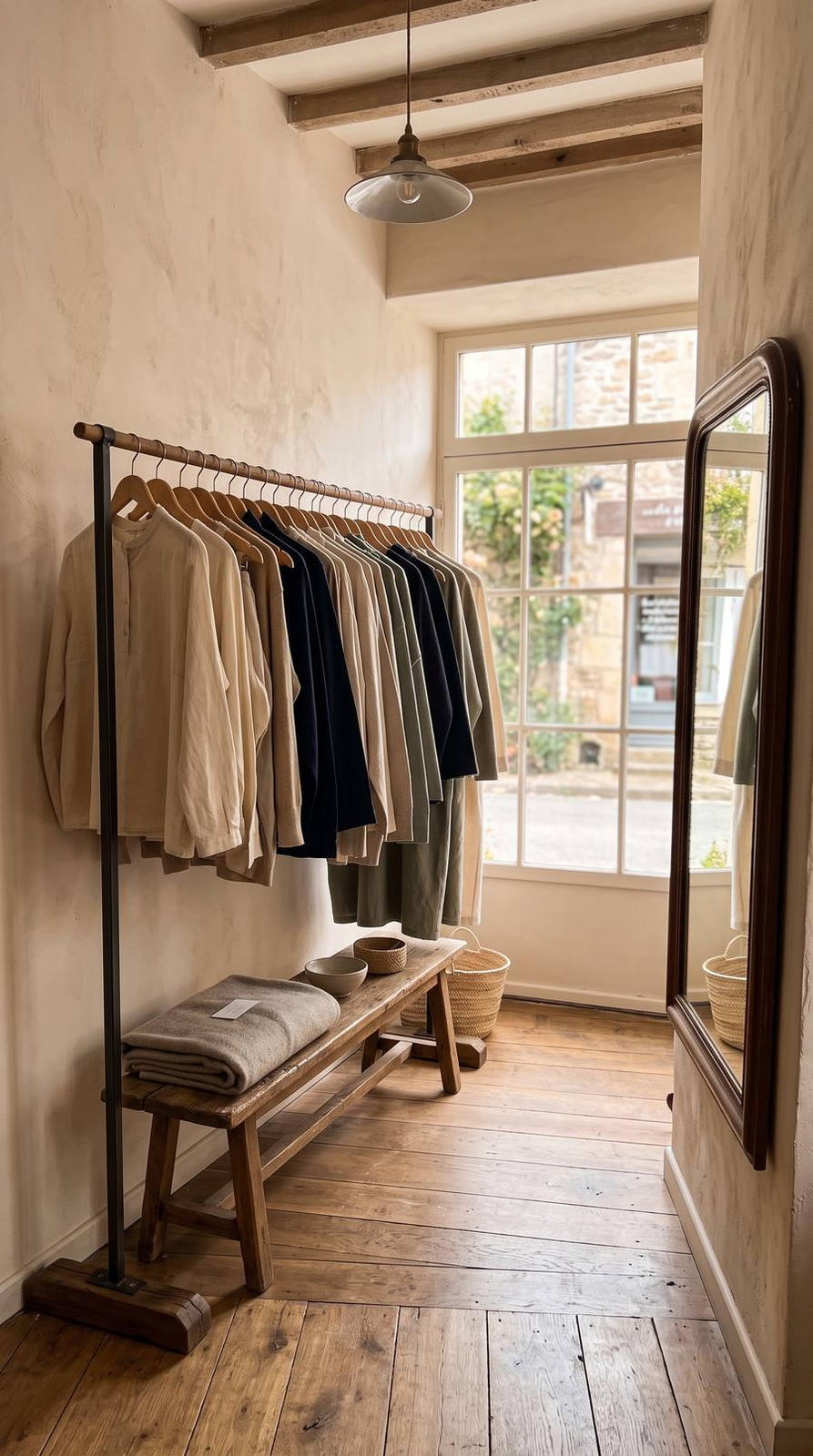
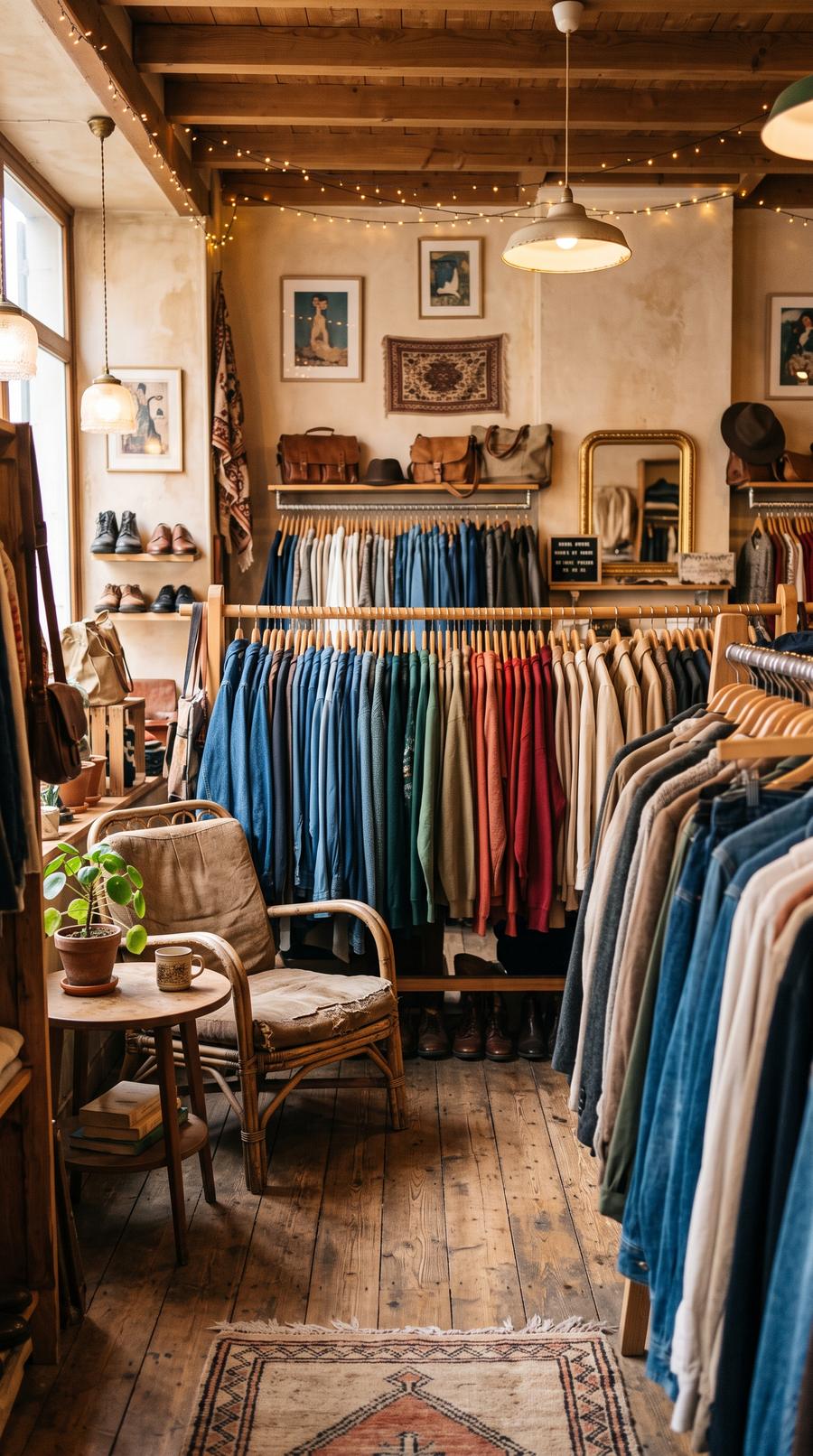
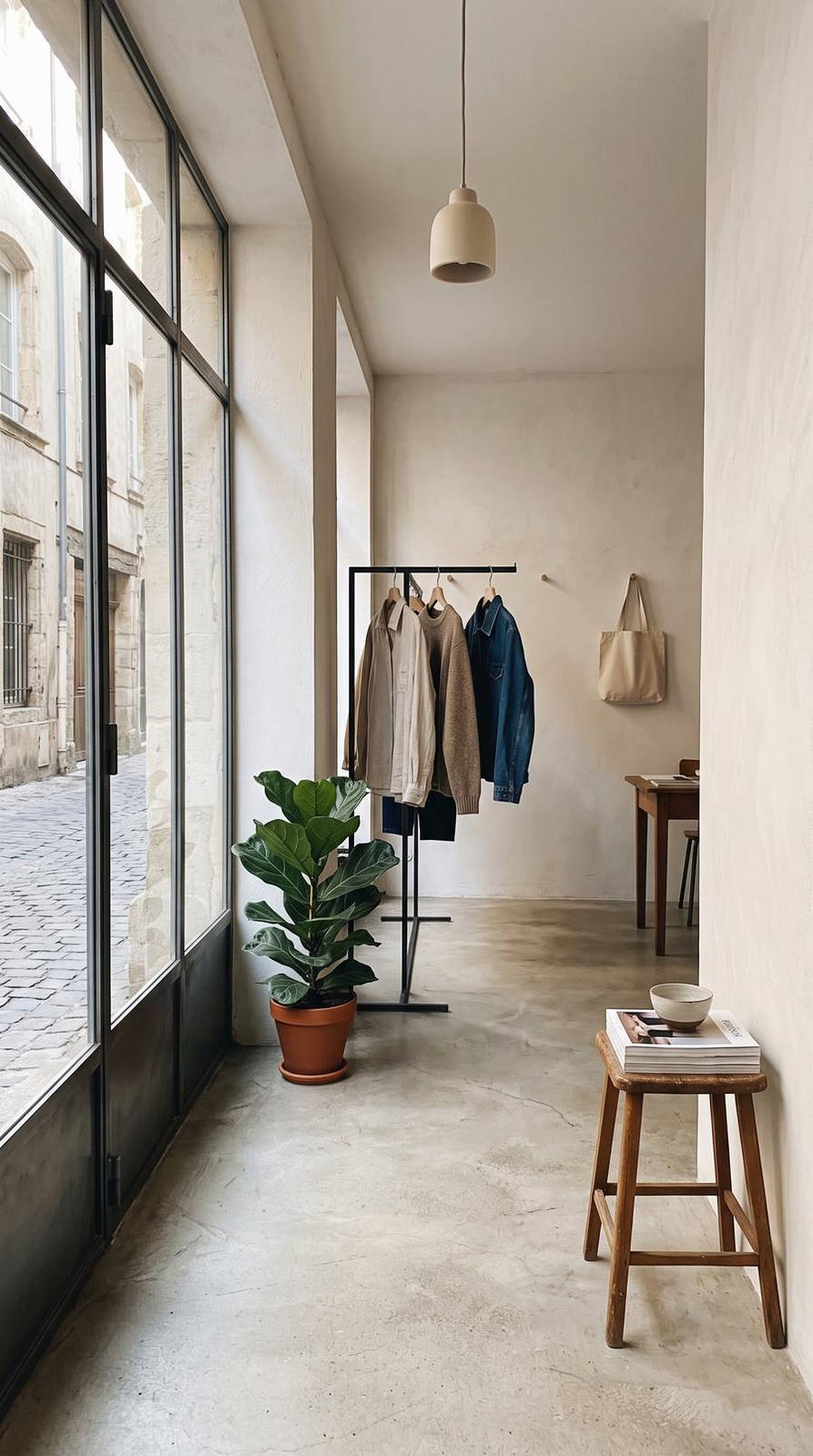
Examples produced by MOTIONEST to show the output. They are not customers, and not photos of your own business.
Make people want to enter without misrepresenting the collection
The video should make the shop easy to read before focusing on style details. Connect the storefront, interior flow, main clothing rail, close-up material and fitting room or display. Group pieces from one arrival or visual story instead of mixing unrelated seasons. Colour, texture and cut are commercial characteristics, so choose natural enhancement and compare every image with the real garment. Prices, available sizes and promotion dates should be added afterwards as sharp, verifiable text.
- One coherent collection
- Accurate colour and fabric
- Prices added after generation
- Current window display
Three useful campaigns
Introduce the business
Connect an exterior or context image, a clear overview and two specific details from Fashion shop. End with one verifiable action such as visit, book, enquire or buy.
Feature one offer
Focus on one service, product or experience rather than compressing an entire catalogue. Use several views of the same subject so the film remains coherent.
Publish a timely update
Present a real new arrival, availability or event. Add prices, dates, handles and booking details as sharp overlays after generation and check them before publishing.
Format by platform
| Platform | Setup | Use |
|---|---|---|
| Instagram Reels | Vertical · 15s · 4–5 photos | Introduce the business quickly and turn discovery into a visit, message or booking. |
| TikTok / Shorts | Vertical · 15–30s · adaptive pace | Lead with the strongest recognisable detail, then provide enough context to understand the offer. |
| Website / YouTube | Landscape · 15–30s · Ultra quality | Give the story more room on a homepage, listing, presentation or in-store screen. |
Three steps, inside the studio
-
01
Drop 3 to 8 photos
Phone photos of the same place, sharp, at eye height. No account needed to start.
-
02
Choose the render
Platform, duration, camera motion. The price stays visible while you choose.
-
03
Pay and download
€24.90 once, Stripe checkout. Most creations complete within minutes; timing is not guaranteed.
Check before publishing
- Mixing different places, products or customers as one project
- Allowing generated text, prices or logos to pass unchecked
- Changing a factual feature, material, proportion or result
- Publishing identifiable people or private data without permission
What MOTIONEST does not do
- The engine moves your photos; it does not invent a room or a product you did not photograph.
- No recognisable people and no minors without written consent.
- Opening hours, prices and offers belong in the post caption: the engine does not write on the image.
- Delivery time is an estimate, never a contractual guarantee.
What a video render looks like
The engine is identical for a fashion shop: a few still photos, one camera motion, 15 vertical seconds.
Common questions
Will materials and colours stay accurate?
Choose natural enhancement and review images before video, especially for collection colours.
Can I show a price or promotion?
Yes in a separate editing step. The studio previews placement, while automatic export compositing is still in development.
A neighbourhood shop, not a brand campaign
A new arrival is photographed in the morning, not in a quote due in two weeks. MOTIONEST sequences your window and fabric stills — not another season’s collection. The studio runs online from France.
What you get for your shop
One vertical video file, ready to post as is, with sound. You watch it before it goes live, and regenerate it if the pacing is not right.
- MP41080 × 1920
- Length15 seconds
- Soundincluded
- Deliverya few minutes